Mtk Bypass Tool Handshaking Error Fix |link| «iPad LIMITED»
End-to-end workforce management software, custom-built for Australian & New Zealand security companies.


Your weekly report is ready!
End-to-end workforce management software, custom-built for Australian & New Zealand security companies.
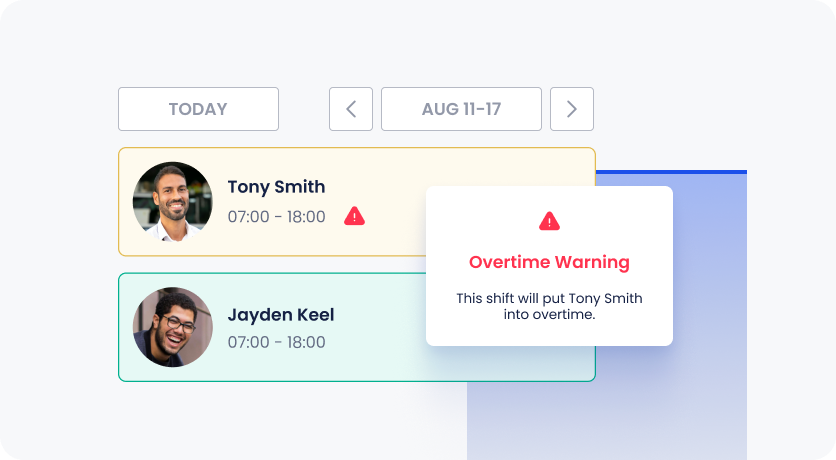
A scheduling system that gives you visibility of availability, overtime, fatigue management, financials, compliance and conflicting shifts. Guardhouse puts you in control of scheduling the right shifts at the right time, with ease.
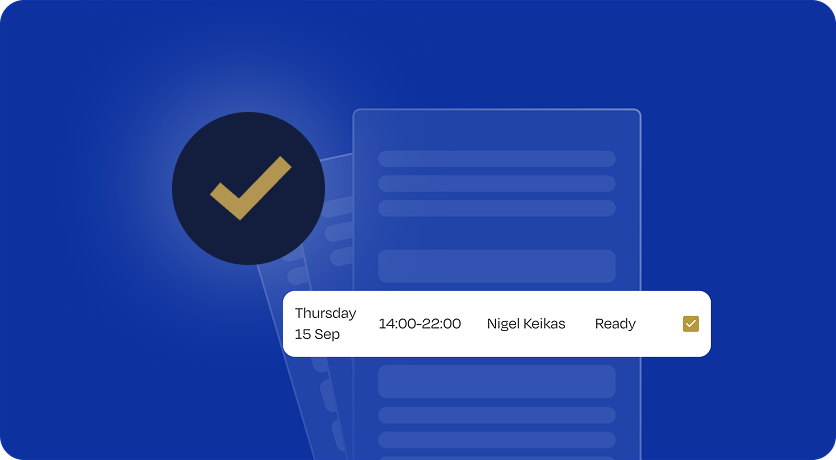
One data entry point for time & attendance, invoicing and payroll improves accuracy, saves time, drives revenue and boosts profitability. Guardhouse's security invoicing software eliminates the time and stress of managing invoicing and payroll.

A highly functional features which utilises our mobile patrol app and security guard tour system to ensure the most effective management of tours and patrols possible.
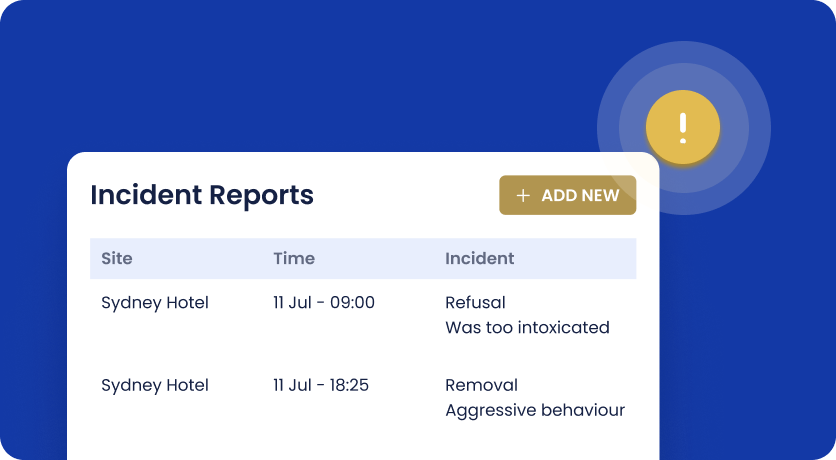
Submit incident reports using our incident reporting system. Featuring custom form building functionality, you can be confident that the days of manual reporting are over.
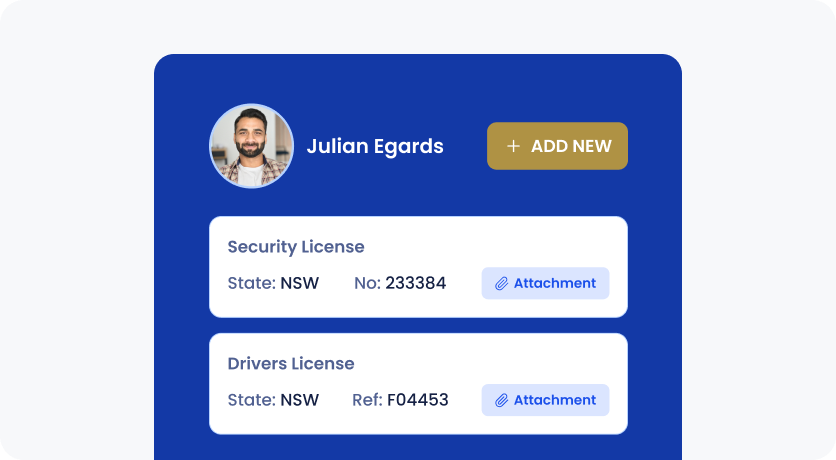
Daily automated Security licence checks and renewal reminders keep guard compliance profiles up-to-date. Guardhouse protects you while you’re protecting your customers.
Seamlessly connect Guardhouse with the tools you already use to create a powerful, unified ecosystem for your security operations.
.png)

.png)



Our support team are avaliable to you free of charge via email, phone and in app web chat 24/7.

Hey, I’ve got this issue logging into my app, could you help me?
👍🏻 1
Hi! Sure, it will be solved in no time. Could you describe your issue?

Multiple daily data backups hosted on Microsoft Azure cloud servers, with 99% uptime guarantee.


Setup, integration, onboarding and training for your admin and ops teams, all included.


The Handshaking Error in MTK Bypass Tool typically occurs when the tool fails to establish proper communication between the PC and a MediaTek device in BROM mode. This write-up explains the causes and step-by-step fixes.
: Use a high-quality original USB cable. Avoid using USB hubs or front-panel PC ports; connect the device directly to the motherboard USB ports (the ones at the back of the PC). Correct Boot Key Combination mtk bypass tool handshaking error fix
By following these guidelines and troubleshooting steps, you should be able to fix the handshaking error and successfully bypass FRP on your MTK device. MTK Bypass Tool Handshaking Error Fix – Write-Up
USB Port: Use a USB 2.0 port rather than USB 3.0/3.1, as the latter can cause timing issues during the handshake. Avoid using USB hubs or front-panel PC ports;
: Many users report that once the handshaking is bypassed, they can successfully flash both new and old MTK models without needing official authentication files. Driver Sensitivity
The "MTK Bypass Tool handshaking error fix" is not a single solution—it is a diagnostic skill. By systematically checking your drivers, timing, USB ports, and hardware buttons, you will resolve the error in 95% of cases.












































































































































Copyright © 2026 PJ Vine